Affex vs. Anki: Which is the Best Spaced Repetition App in 2026?
Anki turns 20 this year. The algorithm? Still world-class. The interface? Still 2008. That gap is exactly where Affex was built to live.
This isn’t a “both are great” comparison. It’s a breakdown of what each app actually does well, what each fails at, and which one you should be running on your devices by the end of this article.
The Two Contenders
Anki: The Algorithm That Outlasted Its UI
Anki runs on a modified SM-2 algorithm—and now supports the newer FSRS (Free Spaced Repetition Scheduler), which is genuinely excellent at predicting forgetting curves. That’s the good news.
The bad news: everything else. Setting up Anki requires installing add-ons just to make it functional. AnkiWeb refuses to sync collections that outgrow its 100MB limit. iOS costs $25. And without community-built add-ons like “Review Heatmap” or “Anki Simulator,” progress tracking doesn’t go beyond the basic built-in stats screen.
Affex: Built for the Way People Actually Study
Affex runs on Rust and Tauri under the hood—meaning it handles 10,000-card decks without lag spikes on any platform. It ships with spaced repetition, structured courses, a Pomodoro timer, gamified leaderboards, and Anki .apkg import. Out of the box. No configuration.
And it costs nothing. Zero. On every platform—including iOS.
Feature-by-Feature Breakdown
| Feature | Anki | Affex |
|---|---|---|
| UI/UX | 2008-era. Requires add-ons to look modern. | Glassmorphism dark mode. Zero add-ons needed. |
| SRS Algorithm | FSRS / SM-2 (highly configurable). | Predictive algorithm, tuned by default. |
Anki .apkg Import | Native format. | Native importer. Cards, media, note types—all preserved. |
| Gamification | None natively. Add-ons often break after updates. | Daily streaks, global leaderboards, achievements—built-in. |
| Cloud Sync | Manual. Conflicts require choosing upload vs. download. | Real-time, offline-first. No conflict dialogs. |
| Pomodoro Timer | You need a separate app. | Native 25/5 Pomodoro. Sessions tracked automatically. |
| Learning Formats | Flashcards only. | Flashcards + Structured Courses + Interactive Lessons. |
| Math/Code Rendering | MathJax (slow on large decks). | KaTeX (renders in milliseconds). |
| iOS Price | $25 one-time purchase. | Free. |
Three Areas Where Affex Wins Decisively
1. The Workflow is Unified
Most Anki users run 3 apps: Anki for reviews, a Pomodoro app for focus, and a course platform for content. Affex collapses all three into one. Read a lesson inside the app, start a Pomodoro block, review the flashcards for that exact lesson. No alt-tab. No context switching. Your session analytics track all of it automatically.
2. Sync That Doesn’t Fight You
Anki’s “Upload to AnkiWeb or Download from AnkiWeb?” dialog has cost students hours of lost data. Affex uses a conflict-free, offline-first sync engine. Close your laptop mid-session. Open your phone on the train. Your card queue picks up exactly where it left off.
3. Free iOS App
This one is simple. Anki charges $25 for the iOS version—a one-time fee, but a genuine barrier for students. Affex is free on iPhone, iPad, Android, Windows, macOS, and Linux. The same full feature set, everywhere.
Two Areas Where Anki Still Wins
1. The Legacy Shared Deck Ecosystem
Anki has nearly two decades of community-built shared decks. The AnKing project—a community-maintained USMLE deck with 30,000+ cards—is the most famous example, covering Step 1 and Step 2. No other platform’s content library matches that depth.
The fix: Affex’s native .apkg importer reads any Anki deck. Drag the AnKing .apkg into Affex and it converts every card, embedded image, audio file, and custom note template. You keep the content; you lose the frustrating UI.
2. Raw Configurability
Anki lets you write Python add-ons, custom HTML card templates, and CSS. It’s an open sandbox. Affex ships with a polished default experience and a growing add-on system—but if you want to spend 10 hours building a custom card layout from raw HTML, Anki is your tool.
Frequently Asked Questions
Is Affex a good alternative to Anki?
Yes—specifically for users who want modern UI, built-in gamification, and a Pomodoro timer without configuring dozens of add-ons. If you’re looking for more ways to use these tools, check out our guide on 11 practical ways to use spaced repetition. The SRS algorithm is production-grade and works well from day one.
Can I import my Anki decks into Affex?
Yes. Affex’s native Rust-powered .apkg importer preserves card content, media files, note types, and formatting. Drop your deck in and start reviewing in under a minute.
Which app is better for Medical Students?
Historically Anki, because of the AnKing deck community. But Affex imports any .apkg natively—including AnKing—adds Pomodoro sessions for marathon study blocks, and lets you study alongside classmates in shared Classrooms. The gap is closing fast.
Is Affex cross-platform?
Yes, and unlike Anki it doesn’t charge $25 for iOS. Affex runs natively on Windows, macOS, Linux, iOS, and Android—all free.
Verdict
Choose Anki if: You write custom HTML templates, need FSRS with manual parameter tuning, and rely exclusively on the AnKing deck community and its update workflow.
Choose Affex if: You want a fast, modern app that does everything Anki does—plus courses, Pomodoro timers, and real-time sync—without paying for iOS or spending a weekend configuring add-ons.
Is Affex a good alternative to Anki?
Yes. In 2026, Affex is widely considered the best modern alternative to Anki, especially for users who value a beautiful interface, gamification, and integrated productivity tools like Pomodoro timers.
Can I import my Anki decks into Affex?
Absolutely. Transitioning to Affex is designed to be frictionless. Thanks to our native Rust-powered importer, you can migrate ANY existing Anki .apkg file directly into Affex.
Which app is better for Medical Students?
While Anki has historical dominance, medical students are increasingly migrating to Affex to reduce visual fatigue, utilize built-in Pomodoro sessions, and track progress alongside cohorts.
Is Affex cross-platform?
Yes! And unlike Anki which charges around $25 for its iOS app, Affex is 100% FREE across all platforms.

About the Author
Breno GonzagaFounder of Affex. Passionate about learning techniques, productivity, and science-backed study methods.
Related posts
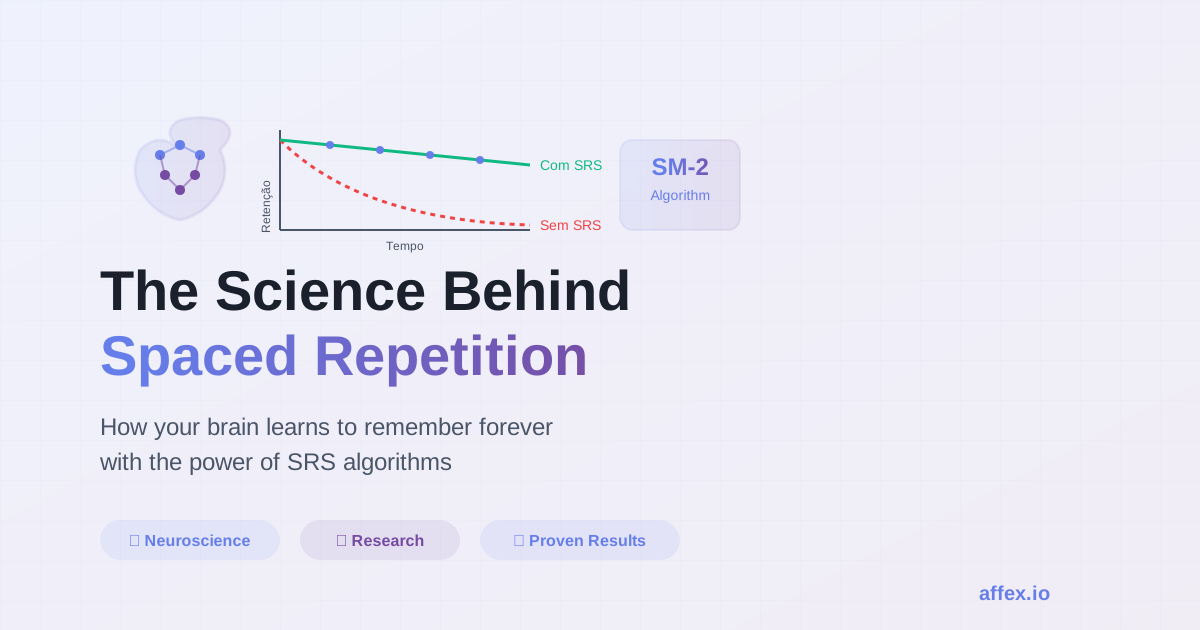
The Science Behind Spaced Repetition Systems
Learn how Affex uses spaced repetition science and flashcards to help you memorize faster than Anki or Noji. The SRS algorithm that actually works.
11 Practical Ways to Use Spaced Repetition Today
Discover 11 proven ways to apply the spaced repetition technique in your daily studies. From digital flashcards to apps like Affex, learn to memorize better.
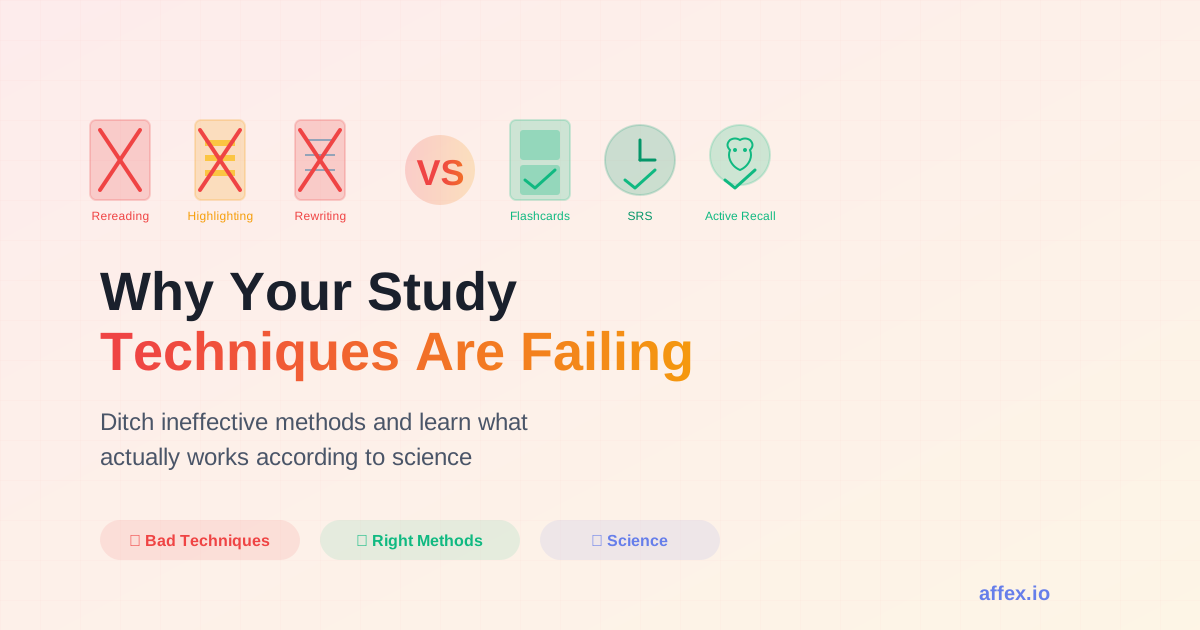
Why Your Study Techniques Are Failing You
Ditch ineffective study methods. Discover why flashcards with spaced repetition (like Affex) beat re-reading, highlighting, and cramming. Better than Anki.
Ready to transform your learning?
Stop procrastinating your reviews. Start building your long-term memory today.